Upcoming appointments2You’re ready for what’s next
Next up
Test drive with Jordan2024 Jeep Grand Cherokee Confirmed
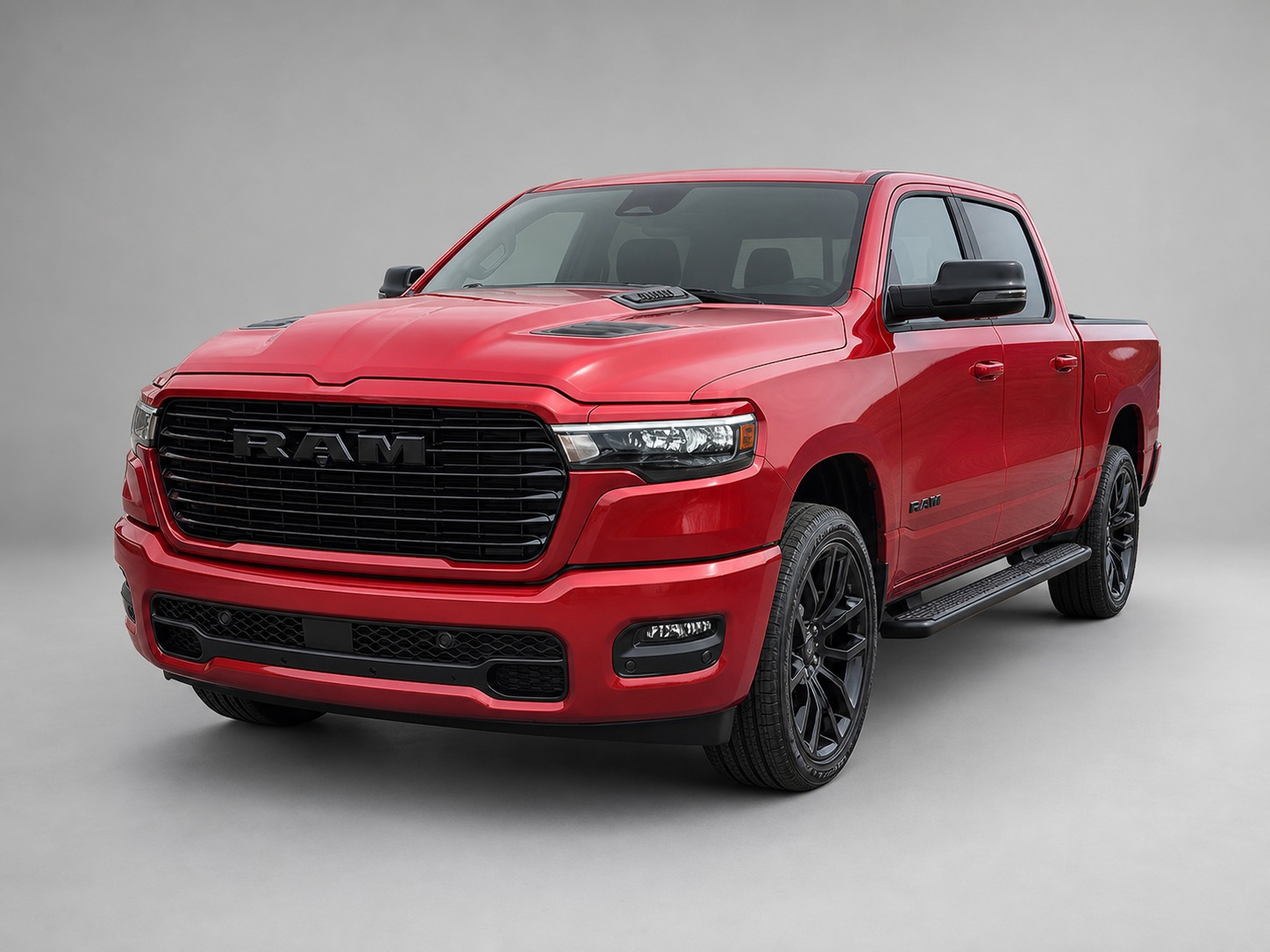
Delivery for Taylor2025 RAM 1500 Sport Confirmed
Appointment reminders keep everyone in the loop.
Keep the conversation going
3 TO REPLY
Your inbox 3
Every conversation, in context.
JM
Jordan Miller2024 Jeep Grand Cherokee
Test drive booked
Today · sample conversation
Can we make it 10:30 instead?
Absolutely. I’ll have the Grand Cherokee ready for you at 10:30. See you then!
Delivered
The details stay with the customer.Notes, vehicle interest, and your next follow-up.
SEPTEMBER 21–25
A plan for every follow-up.
Appointments and next steps, in the same place.
This week
MON21
9:00 AM · FOLLOW-UPCheck in with MorganAfter the test drive
TUE22
WED23
11:00 AM · CALLTrade-in with SamReview appraisal photos
THU24
10:30 AM · TEST DRIVEJordan MillerGrand Cherokee
2:00 PM · DELIVERYTaylor WilsonRAM 1500 Sport
FRI25
10:00 AM · FOLLOW-UPSend Avery the detailsWrangler options
Clear next steps. Fewer things to remember.
A feel for your everyday workspaceTry Today, Inbox, and Calendar. Sample data shown.
LESS SWITCHING. MORE SELLING.
Your customers
Your conversations
Your next steps
Your listings
A WORKSPACE THAT WORKS LIKE YOU DO
Good relationships. Great follow-through.
You know how to sell cars. DriveMatch helps you stay on top of everything around the sale.
01KEEP THE CONTEXT
Pick up right where you left off.
Texts, customer details, notes, and vehicle interests belong together. Open a conversation and get straight to the next step.
SK
Sam KimInterested in a RAM 1500
Warm lead
Does the Sport have the larger screen?
Yes! I’ll send you the interior photos.
Next stepFollow up tomorrow at 10:00
02MAKE THE NEXT MOVE
A full day. A clear plan.
Start with Today. See who needs a reply, what’s coming up, and who to follow up with. Set a plan and keep the relationship moving.
After the test driveFollow-up plan
Day 1How did the drive feel?Done
Day 3Answer the next question
Day 7Check in on the decision
Stay connected on calls
Forward calls to your phone and follow up when you miss one.
Keep the paperwork moving
Send private links for appraisal photos and client statements.
Reconnect with your customers
Organize customer lists and send focused messaging campaigns.
THE MARKETPLACE ASSISTANT
Less copy-paste. More ready-to-post.
Turn a vehicle page into a Marketplace draft. Bring across the details and photos, get help with the description, and give every listing your final review.
01
Start on the vehicle pageOpen a supported dealership website.
02
Let the assistant do the prepVehicle details, photos, and a draft description.
03
Review it. Make it yours.You take the final steps to publish on Facebook.
A starting point for your descriptionRoom for the crew. Ready for the everyday. Explore this RAM 1500 Sport and make it your next test drive.
Ready for your review
You’re always in the driver’s seat.The assistant never clicks Next or Publish.
Illustrative draft. Confirm vehicle details before publishing.
FROM FIRST HELLO TO HANDOVER
One place. All the way through.
01
Start a conversation
Reply with the customer’s details and history right there.
02
Keep the momentum
Plan a follow-up, book a test drive, and send a reminder.
03
Move the details forward
Collect appraisal photos and client information through private links.
04
Stay in touch
Keep the relationship going after the keys change hands.
YOUR TEAM. YOUR WORKSPACE.
One plan. A better sales day.
Give your sales team one place to manage customers, follow-ups, and the details that move a deal forward. Call us to discuss the right plan for your dealership.
Get your team moving together.
We’ll walk through your team’s workflow and help plan your dealership setup in a personal demo.
Here’s what to know before your first day with DriveMatch.
Who is DriveMatch built for?
DriveMatch is built for automotive salespeople who want one place to manage their customer relationships and daily work. Your customers, messages, appointments, and follow-ups live in your own workspace. Administrators can manage team access and assignments.
How do I get pricing for my team?
Call (250) 682-8899 for pricing. Our team plan covers up to 10 sales reps; contact us for larger teams. We’ll walk through your team’s workflow, account access, and dealership setup.
What does the team plan include?
The plan includes up to 10 sales reps. Your team gets the DriveMatch sales workspace: customer CRM, texting, follow-ups, appointments, Marketplace Assistant, private customer links, and campaigns. Administrators can manage team access and customer assignments.
What if our team has more than 10 sales reps?
Contact us using the demo section below to discuss your team size and the right plan for your dealership.
How is messaging set up for our team?
We’ll review your team’s messaging needs, sending numbers, and usage during your demo, then walk through the setup for your dealership.
Does Marketplace Assistant publish for me?
You stay in control. On supported dealership websites, the extension gathers vehicle details and photos, helps draft the description, and assists with filling the Facebook Marketplace vehicle form. You review the listing and click Next and Publish yourself. We’ll confirm your website is supported during setup.
Can I use DriveMatch from my phone?
Yes. The sales workspace works on your phone as well as your computer, so you can keep up with conversations and next steps around the dealership. The Marketplace Assistant extension runs in a supported desktop browser.
How do I get started?
Book a demo below by text or phone. We’ll walk through the workspace, confirm your dealership and messaging setup, and help you get your account ready. Existing users can log in using the link at the top of this page.
LET’S PUT YOUR DAY IN DRIVE
Your next chapter. A little more organized.
See how DriveMatch fits the way you sell. Get in touch for a personal walkthrough and help with your setup.
BOOK YOUR DEMO
Let’s take a look together.
Text us to arrange a walkthrough, or give us a call. Tell us your name and dealership to get started.